
Collect
Make room for the next find.
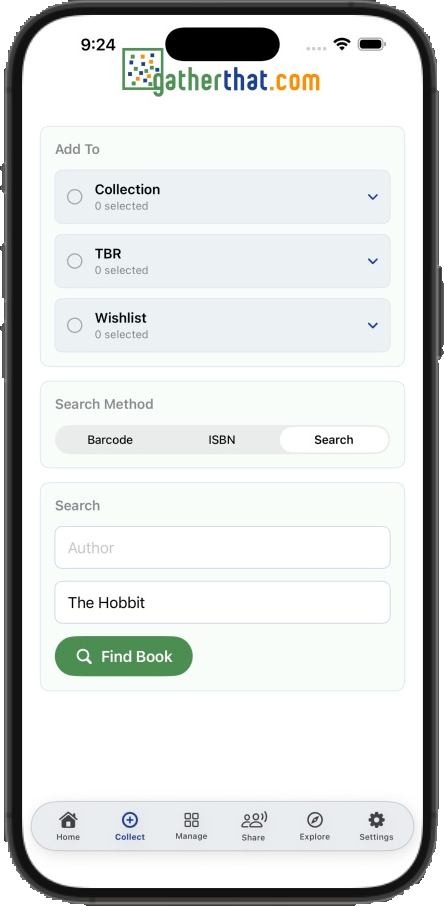
Find a book by title, author, or ISBN, then choose the collection, TBR, or wishlist where it belongs.


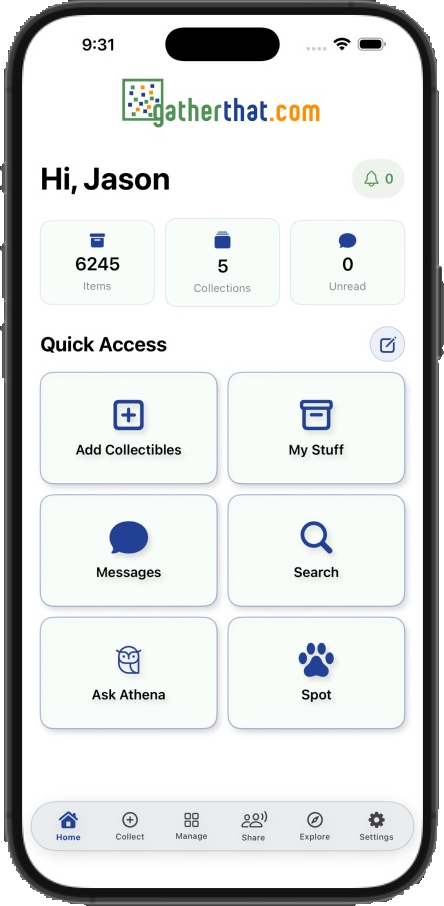
GatherThat on mobile
Collect in the shop. Check what you own at the show. Explore a new interest from the sofa. Your collections and community stay within reach.
A closer look
Explore the current iOS experience. Select any phone to open its full-size screenshot.
Collect
Find a book by title, author, or ISBN, then choose the collection, TBR, or wishlist where it belongs.
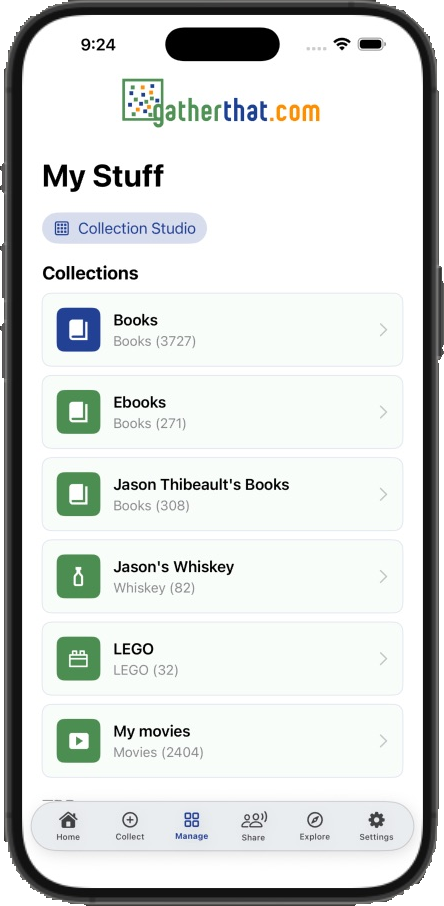
Manage
Move between collection types, see item counts, and keep your books, bottles, bricks, and movies close at hand.
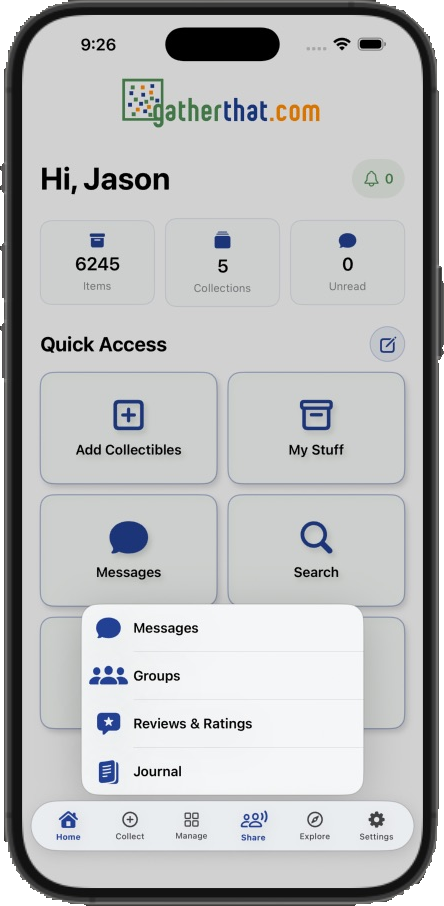
Share
Reach messages, groups, reviews, ratings, and your journal from one focused menu.
Explore
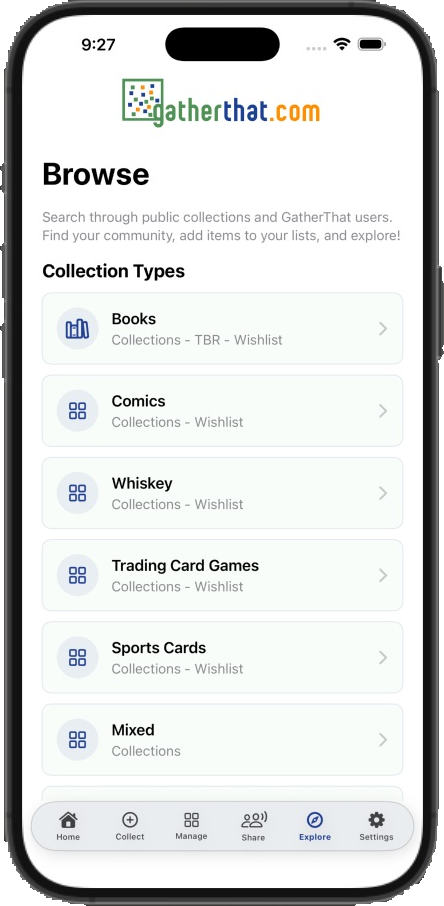
Browse collection types and discover the public collections other GatherThat members choose to share.
Useful in the moment
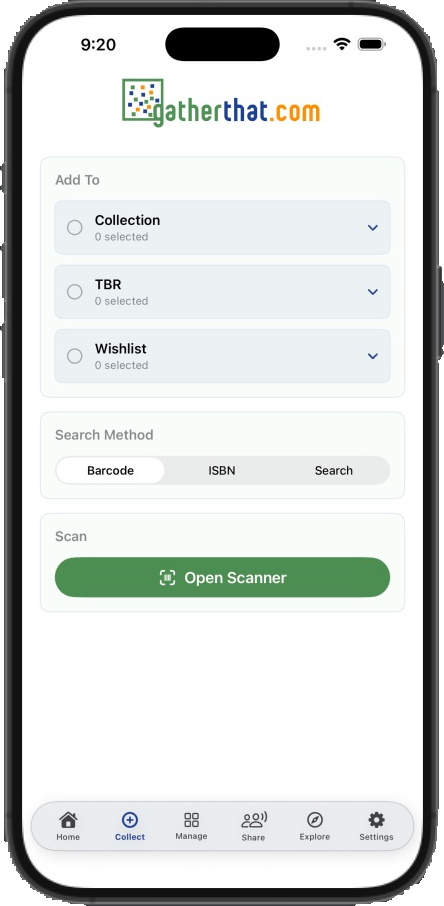
Barcode capture
Open the scanner from Collect to look up a supported book barcode and begin an item record.
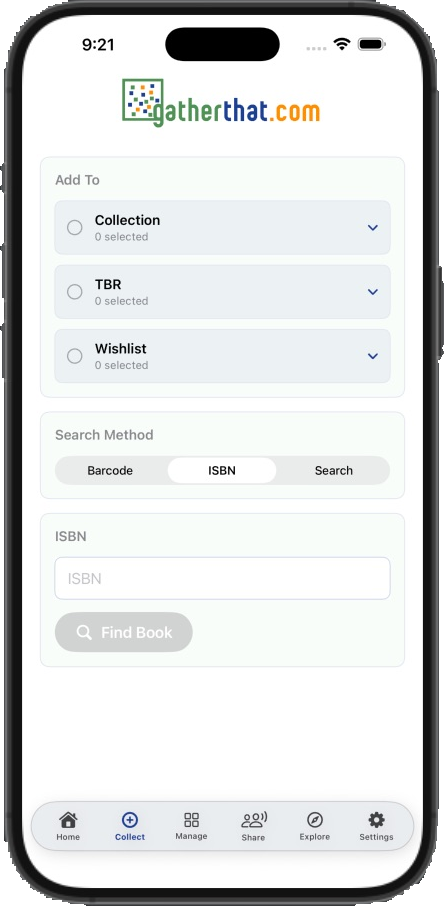
ISBN lookup
Type an ISBN when that is the fastest way to find the right book.
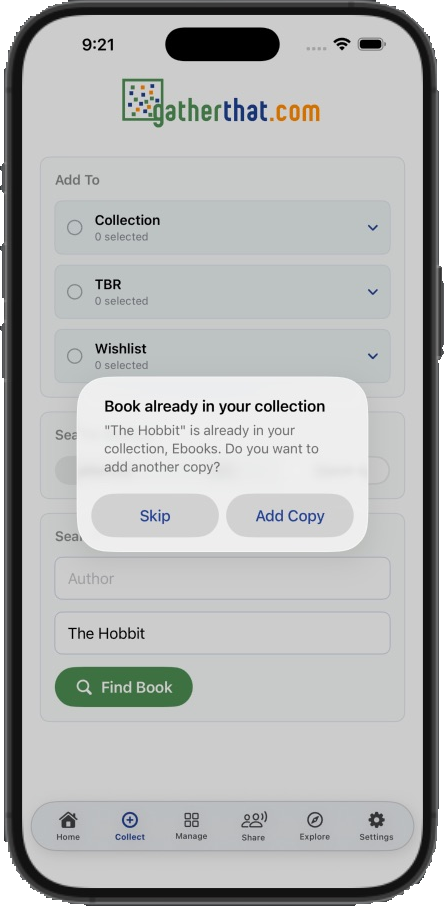
Duplicate detection
When a book is already in your collection, choose whether to skip it or add another copy.
For the love of books
Your books deserve time off the shelf. Keep GatherThat beside you as you read: time a session, track your progress, and capture the thoughts you want to remember. From a quiet chapter before bed to a few pages on your lunch break, the mobile app helps you enjoy the books you collect.
Start the reading timer when you open your book. Pause when life interrupts, save the time you spent reading, and start another session whenever you are ready.
Enter your stopping page when you pause. See your current page and percentage complete, so the next session begins with your progress in view.
Open Continue Reading to return to a book already in progress. Your current reads stay together, ready for a few pages on the commute or a longer evening with a book.
Write a journal entry linked to the book while the moment is fresh. On iPhone, you can move straight from pausing into reading notes with the book and pages covered already filled in.
Choose a book from your collection or TBR and begin a reading session. Move from planning what to read to spending time with the book itself.
Use your existing GatherThat account on iPhone or Android. Available reading tools depend on your membership and enabled features; the phone screenshots above show the iOS experience.
More than a scanner
Identify supported collectibles from a photo, review the suggested matches, and choose what to add. Ask Athena a collecting question, send Spot on a search, check notifications, or continue a conversation with your community. Your account’s enabled types, features, and AI allowance apply on mobile too.
Tiv sync runs in Chrome or the Tiv desktop app. Books you import there remain available in your mobile library.
Your collection should travel better than a spreadsheet.